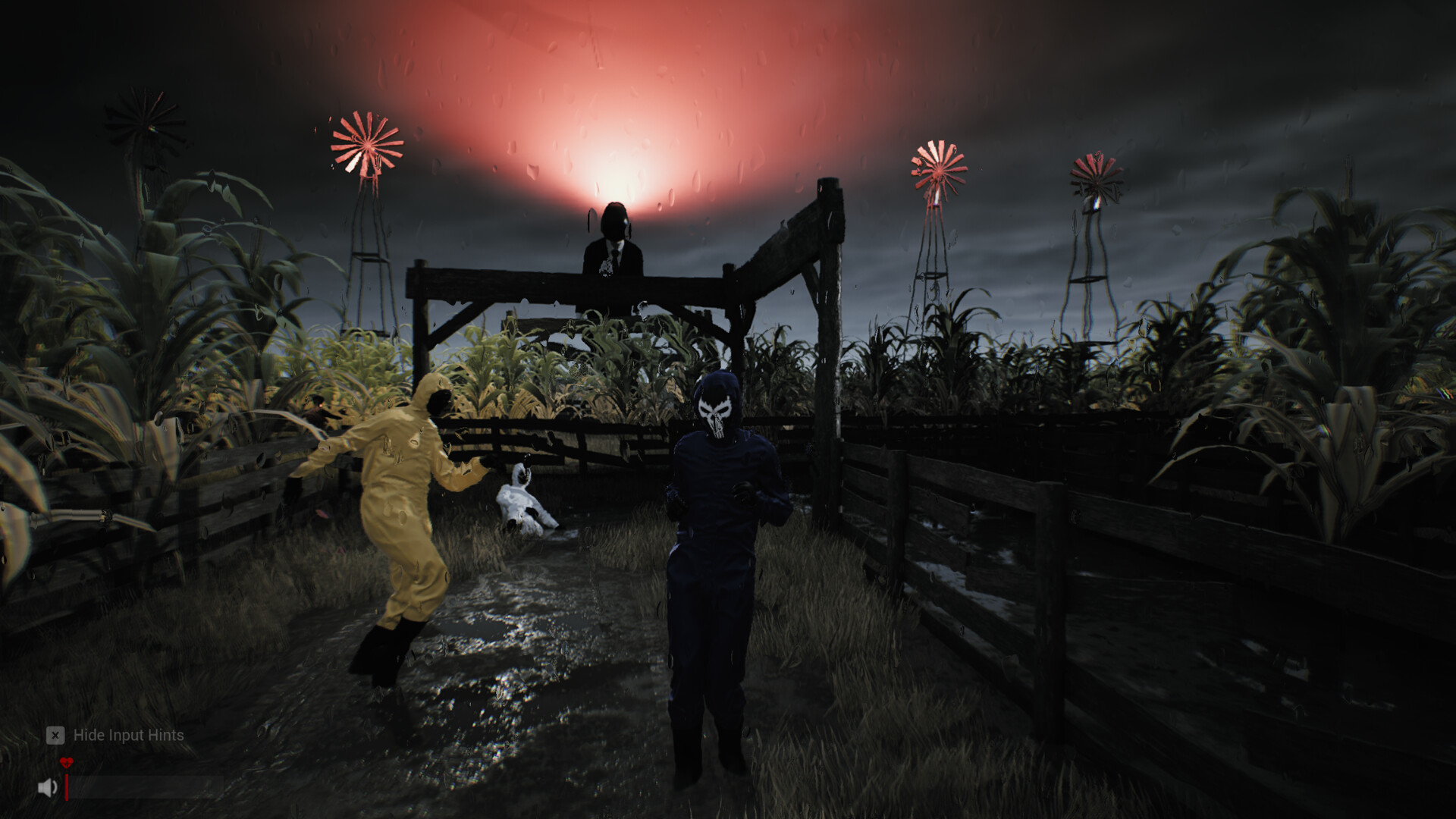
Sector 13: Haunted Woods controls & best settings
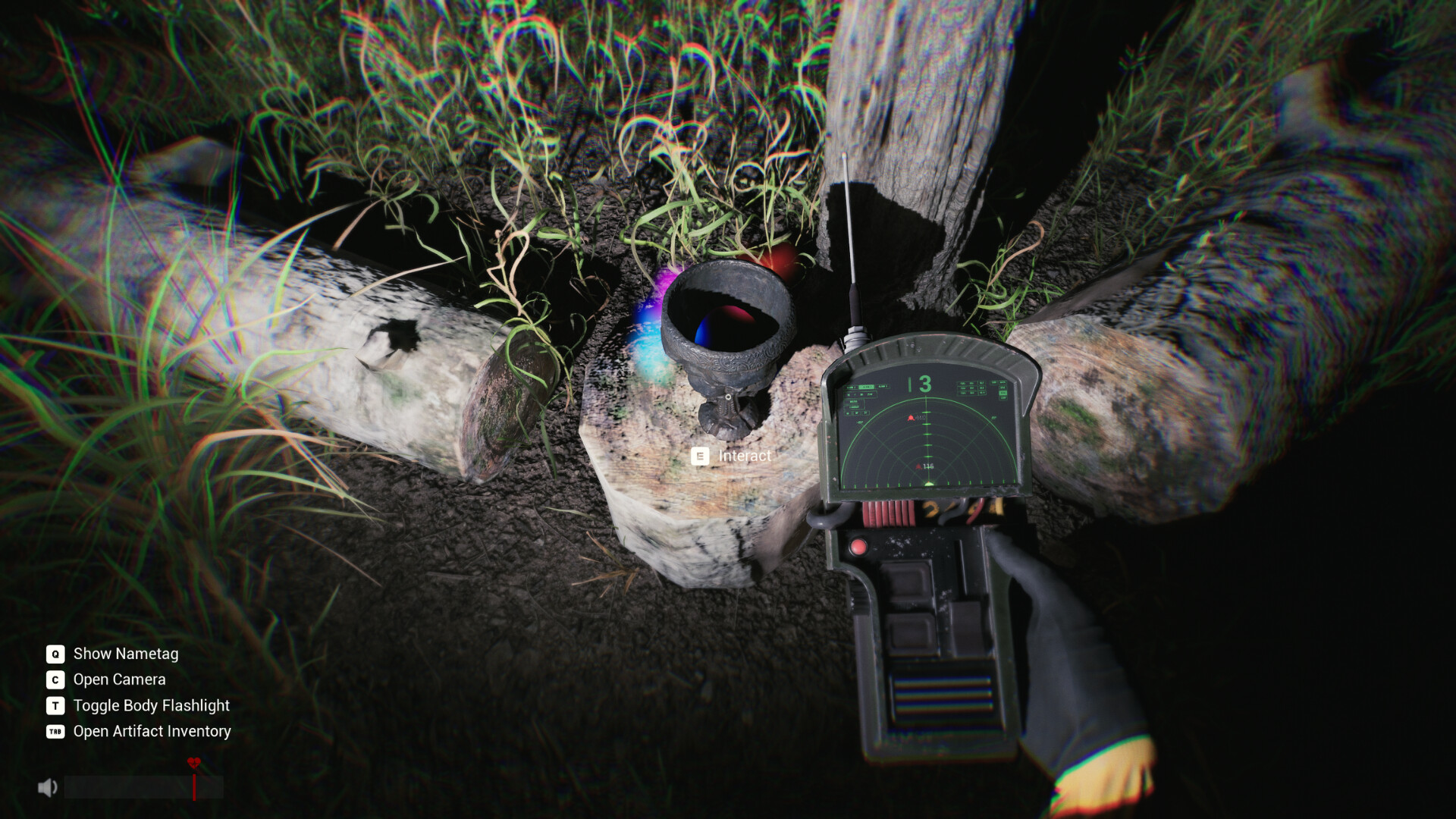
Use E to interact, C for the camera, TAB for inventory and G to drop. Camera Lag and Motion Blur default off in current builds.
Every key here is either printed in an official screenshot or named by the studio on the official Steam discussion board — nothing is guessed from similar games.
Controls
| Key | Action |
|---|---|
E | Interact (pick up, open, collect) |
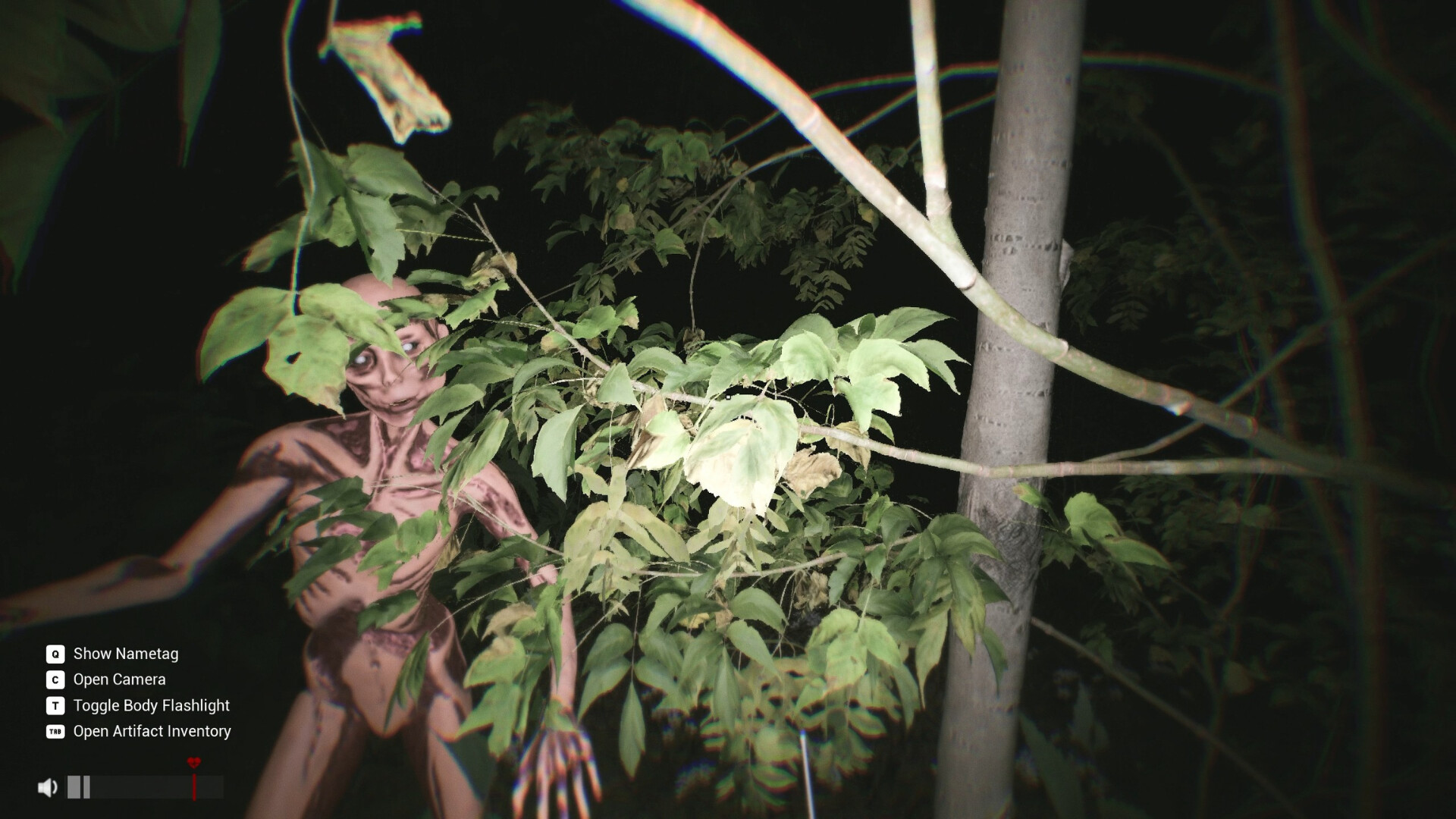
Q | Show nametags |
C | Open camera |
T | Toggle body flashlight |
TAB | Open Artifact Inventory |
G | Drop held item |
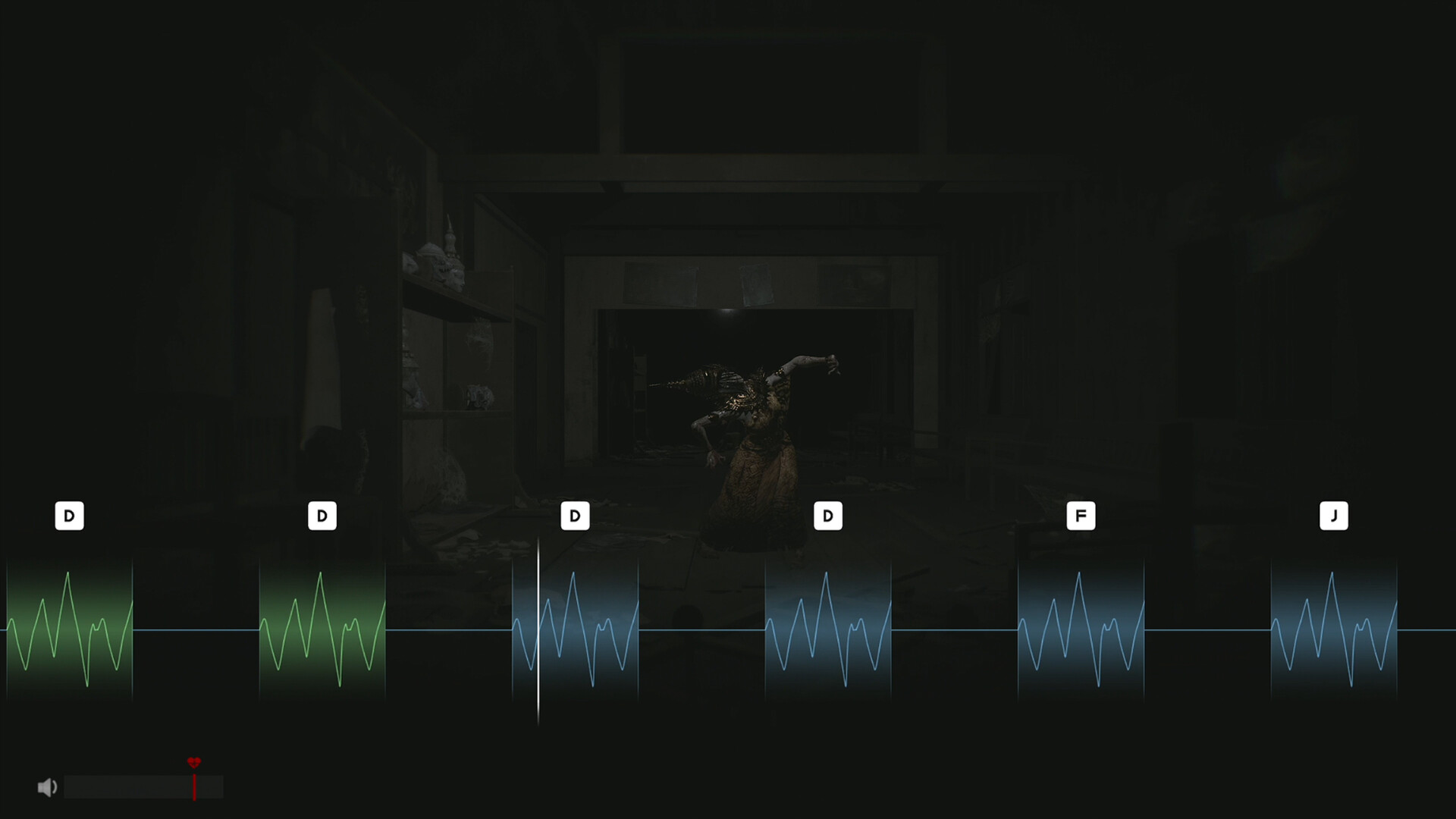
D F J prompts | Keyed waveform interactions |
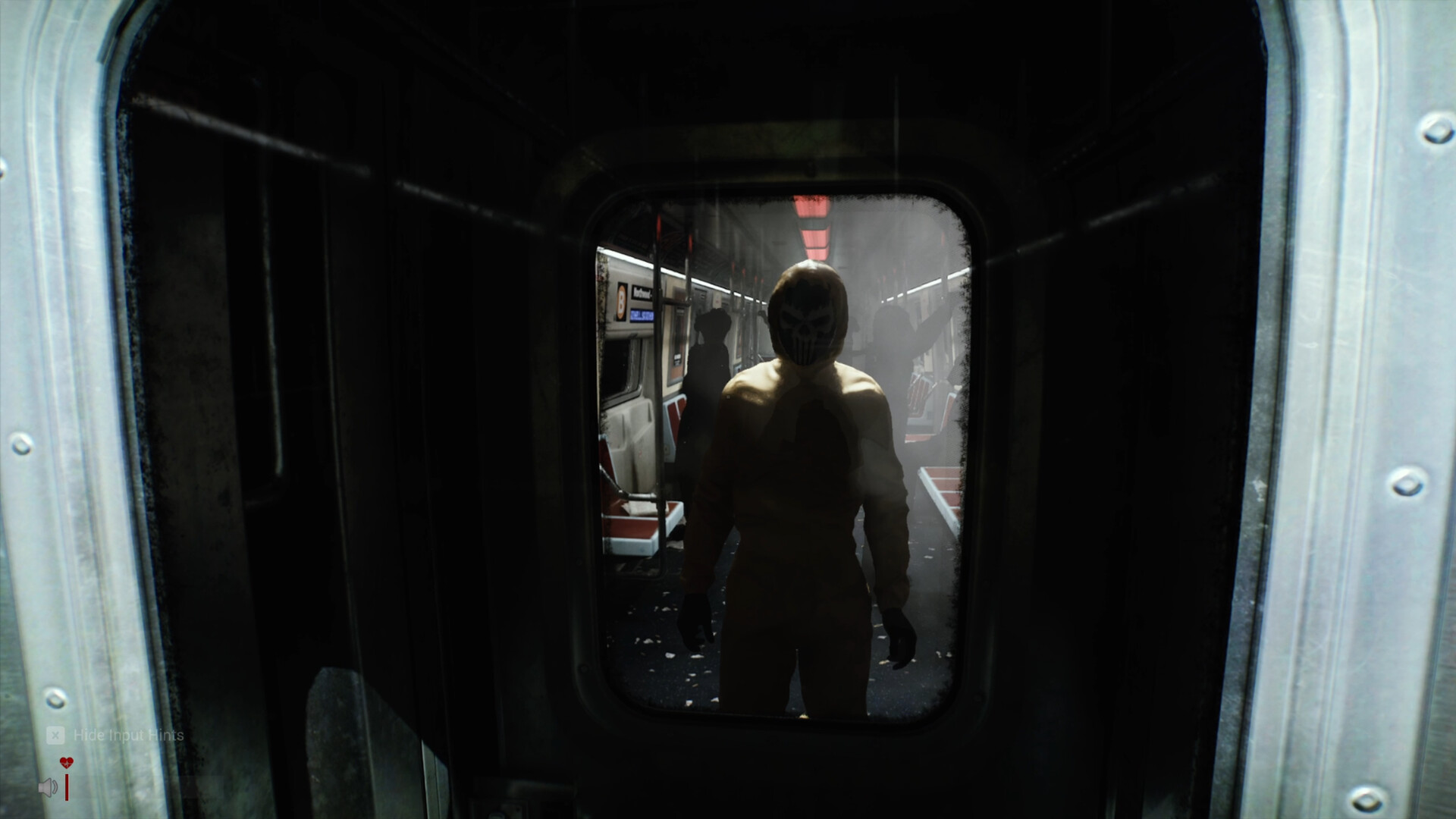
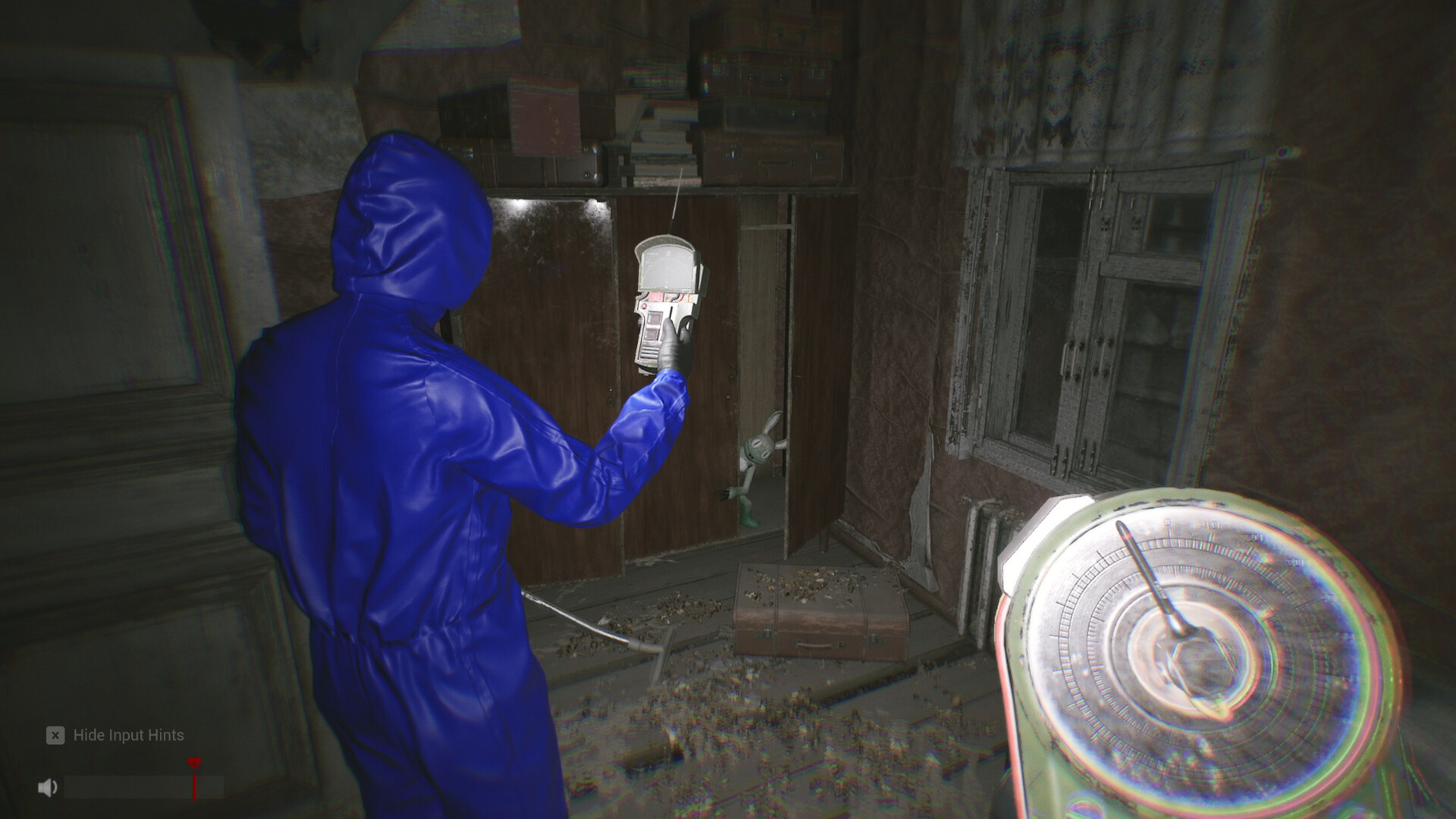
Use the on-screen input hints for movement and interactions. The HUD can hide or show them with X.
HUD readings, explained
- Bottom-left key hints — the Q/C/T/TAB list stays until you hide input hints; hiding them does not disable the keys.
- Heart icons — health; going down is survivable if a teammate reaches you.
- Speaker icon + volume bar — your live voice level, the meter the mic test calibrates against the red line.
- Detector screen — the central
mGreading, with smaller values around the dial (anomaly hunting). - Task list, top-left — the white objective list in the official screenshots.
Camera Lag and Motion Blur
Gameplay → Toggle Camera Lag defaults to off since V1.0.16. Motion Blur defaults to off since V1.0.15. If turning feels delayed, check Camera Lag first. If the picture smears while turning, check Motion Blur in Graphics. Change one option at a time and turn in the same spot to compare. V1.0.16 notes
For slow rendering, try 1080p, Medium as a starting point, then compare the same route before you raise settings.
DLSS, FSR and frame generation (live since V1.0.6, October 3, 2026)
NVIDIA DLSS Frame Generation (supported NVIDIA cards) and AMD FSR are under Options > VIDEO > UPSCALING & AA. Start with Quality or Performance; the studio warns they are not guaranteed stable on every system — if one freezes or crashes the game, turn it off and restart. Player-reported demo issues the studio logged: hitching on respawn, heavy four-player scenes.
System requirements
| Minimum | Recommended | |
|---|---|---|
| OS | Windows 10 (64 bit) | Windows 11 |
| CPU | Ryzen 7 3700X / i7-6700 | Ryzen 7 3800X / i7-10700K |
| Memory | 16 GB RAM | 32 GB RAM |
| GPU | RX 5700 (8 GB) / RTX 1070 Ti (8 GB) | RX 6600 XT (8 GB) / RTX 3060 (12 GB) |
| DirectX | Version 12 | Version 12 |
| Storage | 20 GB (SSD) | 30 GB (SSD) |
| Network | Broadband | Broadband |
The menu-off-screen fix (official)
If the mic test's OK button or another menu button lands off-screen, set this in Steam → Library → right-click the game → Properties → General → Launch Options: -ResX=1920 -ResY=1080 -WINDOWED. Restart, finish the test, then pick your real 16:9 resolution.
If the game will not start at all (official, unresolved)
An RTX 5070 laptop hit an Unreal Engine "Fatal error" on launch — reinstalling, disabling fullscreen optimizations and running as administrator all failed, and Saved/Logs/Sector13.log was never generated. The studio wants that log plus the crash dump under %LOCALAPPDATA%\Sector13\Saved\Crashes, suspects a fullscreen resolution / aspect-ratio problem, and suggested a small window first: -windowed -ResX=1280 -ResY=720. Not fixed as of October 1, 2026 — not an isolated case, the studio says.
FAQ
How do I hide the control prompts?
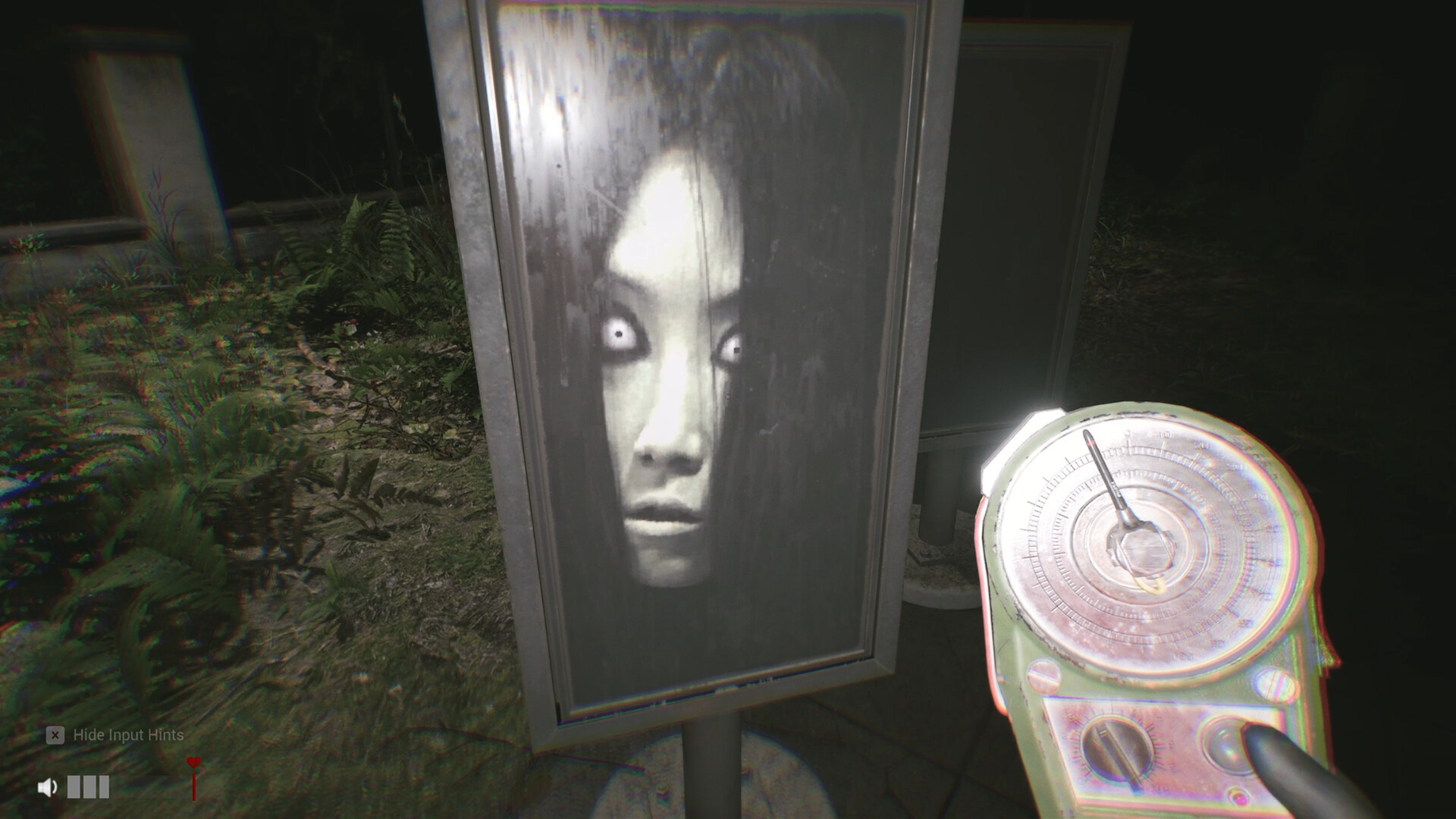
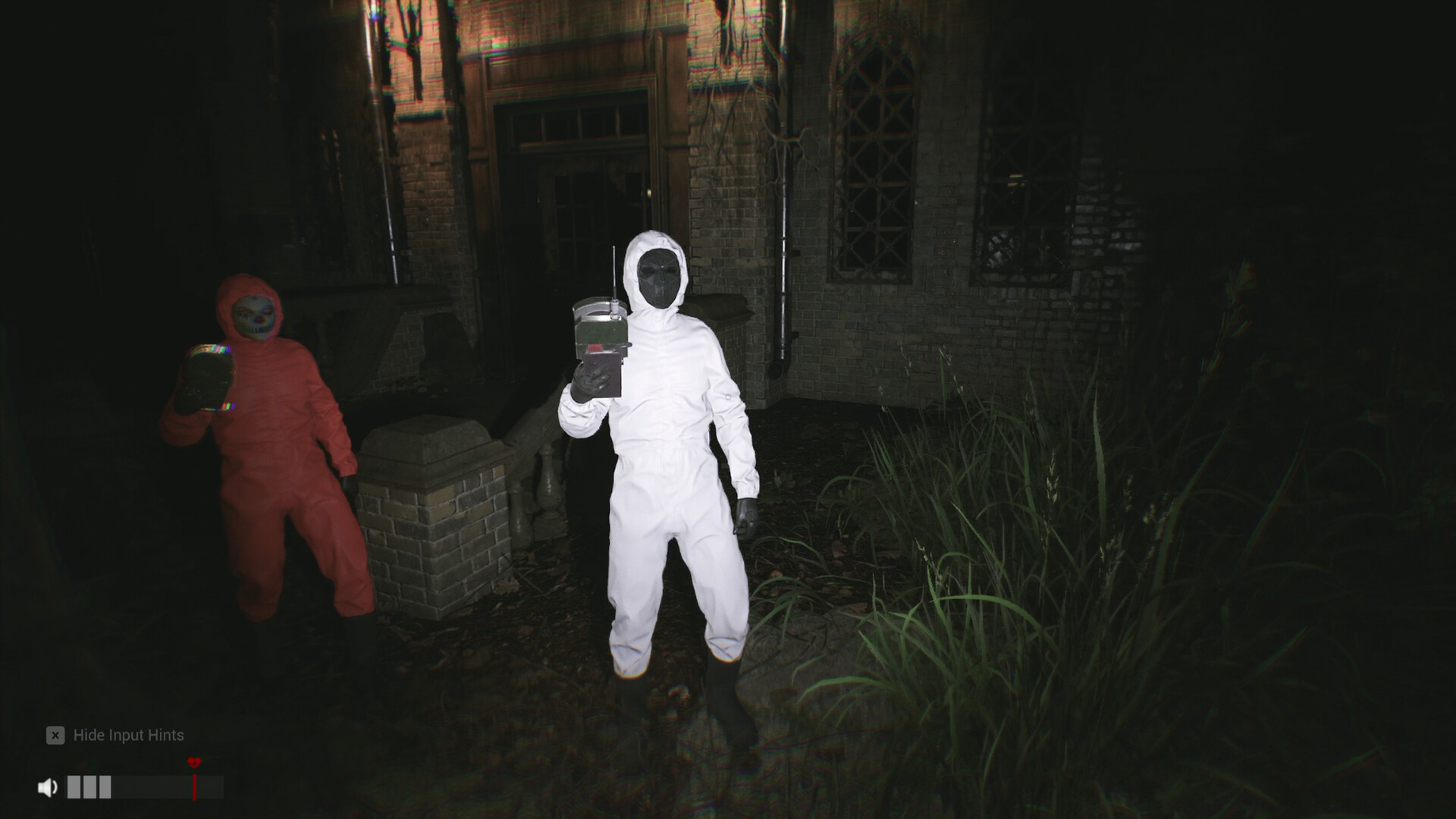
The Hide Input Hints toggle sits bottom-left; hiding hints does not disable the keys.
What is the mG number on my device?
Milligauss — the magnetic field reading your detectors use (anomaly hunting).
Which settings should I use on a mid-range PC?
1080p at Medium, then tune by frame rate.
Are there keybind options?
Key remapping is not confirmed officially yet — report anything you find via contact.
All guides8
How to play Sector 13: Haunted Woods
Sector 13: Haunted Woods voice chat not working? Mic setup & fixes
Sector 13: Haunted Woods artifacts: finder, inventory and keys
Sector 13: Haunted Woods anomalies: how the detector works
Sector 13: Haunted Woods patch notes & updates
Sector 13 co-op not working? How to fix "can't join friend's room"
Sector 13: Haunted Woods achievements & completion guide