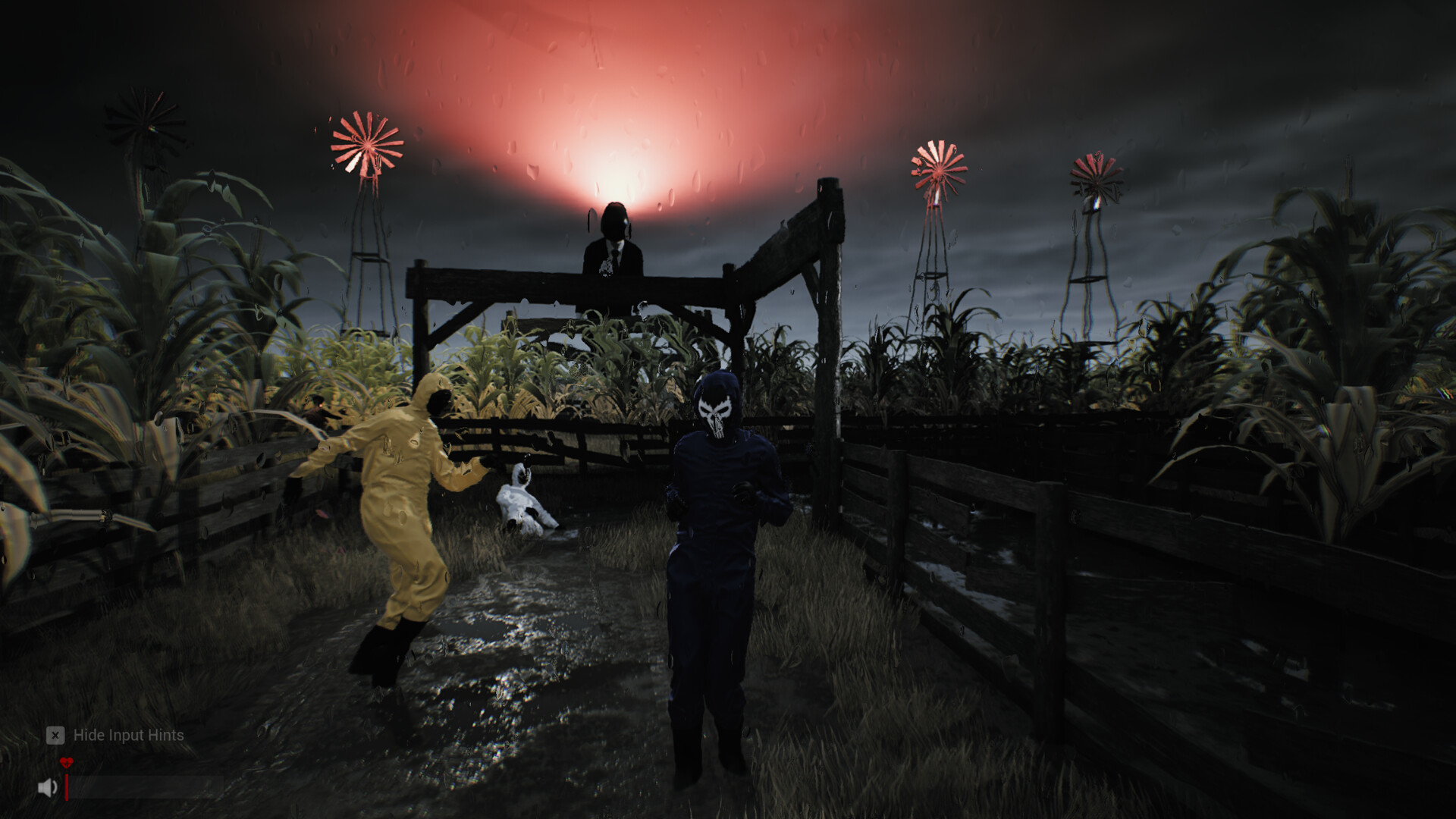
Sector 13: Haunted Woods artifacts: finder, inventory and keys
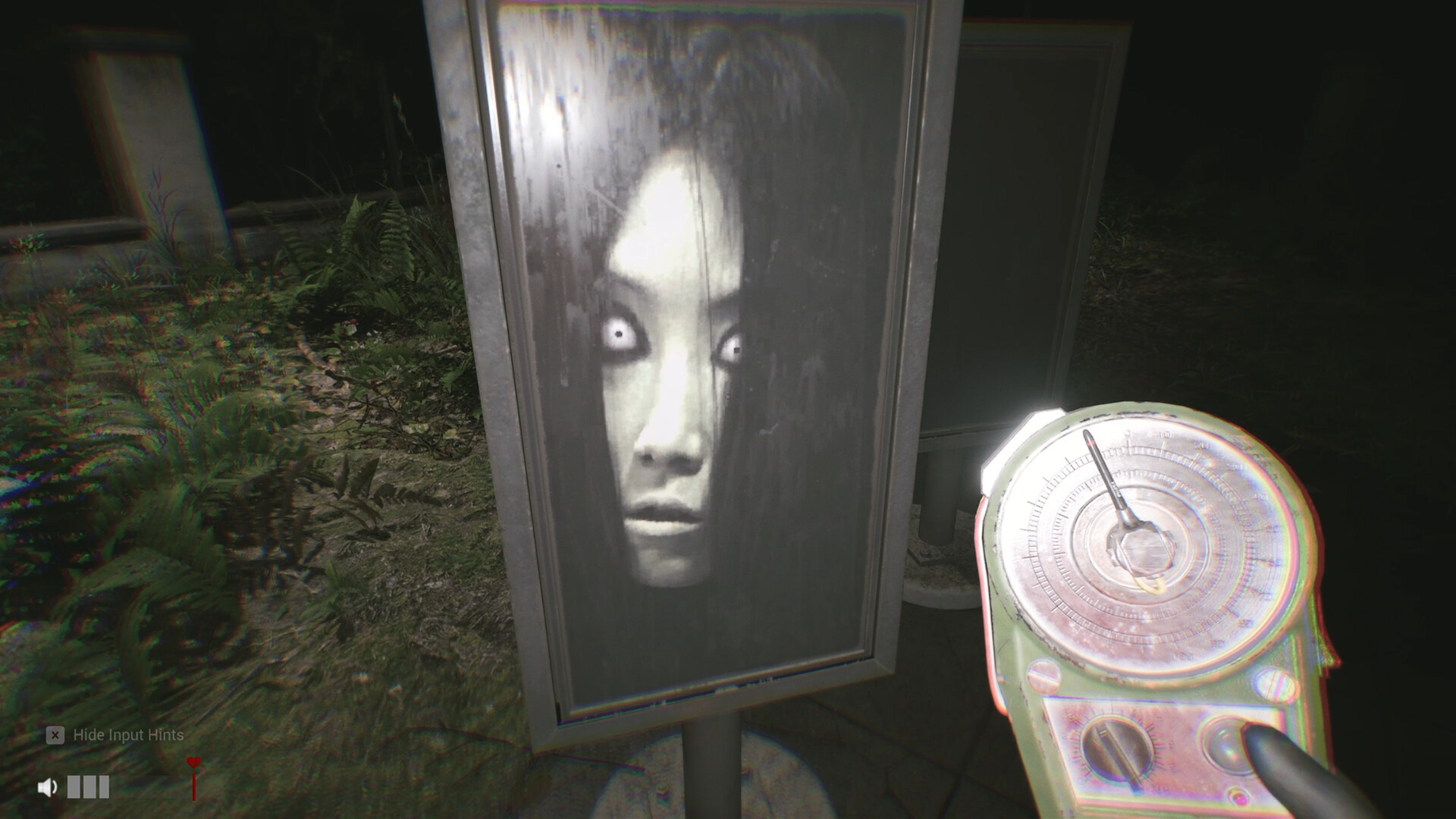
Point the Artifact Finder at a location in V1.0.17 to see its name and picture, then follow the coordinates. Use E to pick up, TAB to check inventory and G to drop.
Use the Artifact Finder to agree on a destination, then follow its coordinates to the object. Since V1.0.17, pointing toward a location brings up its name and picture.
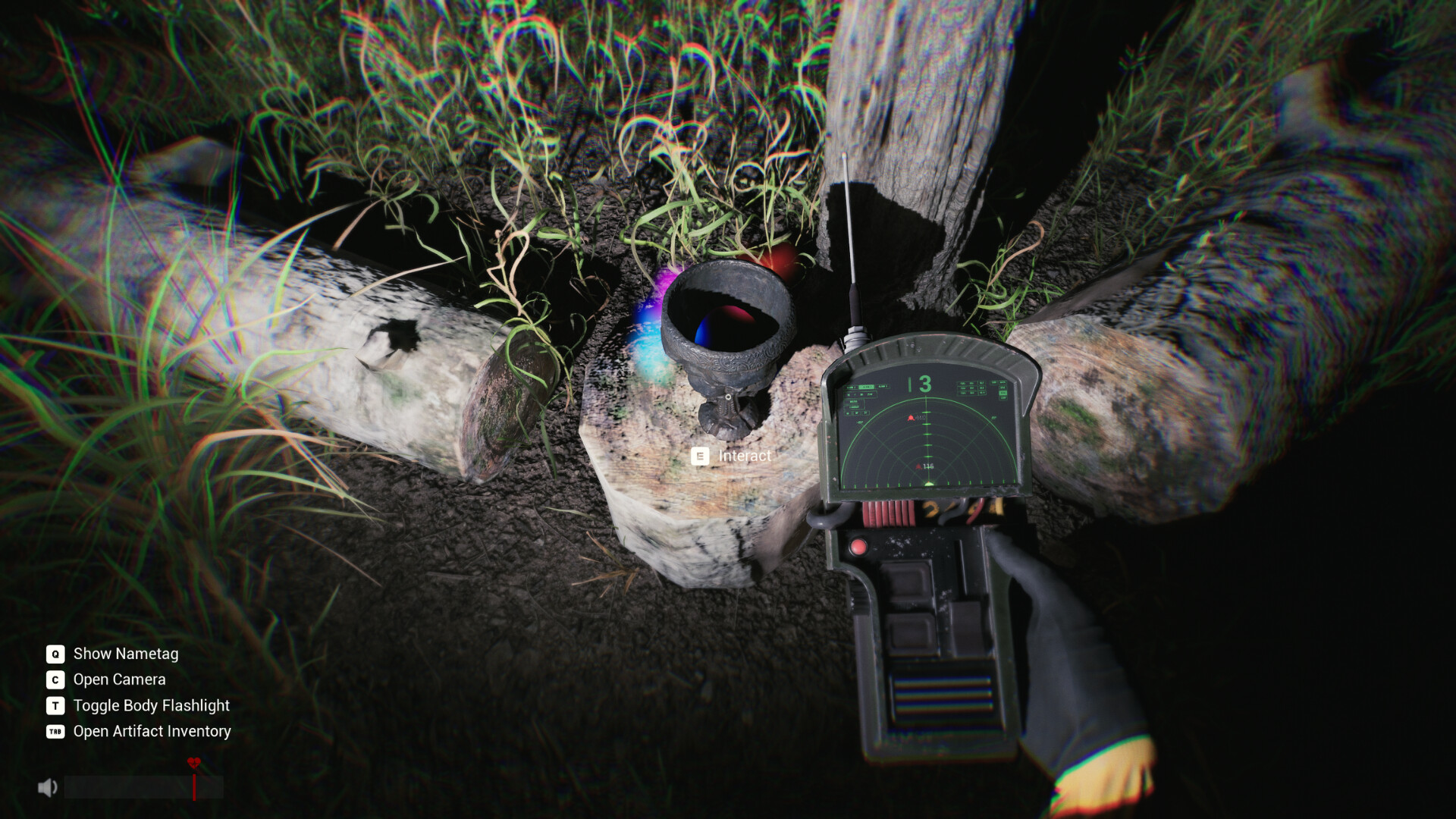
Read the name before following the coordinates
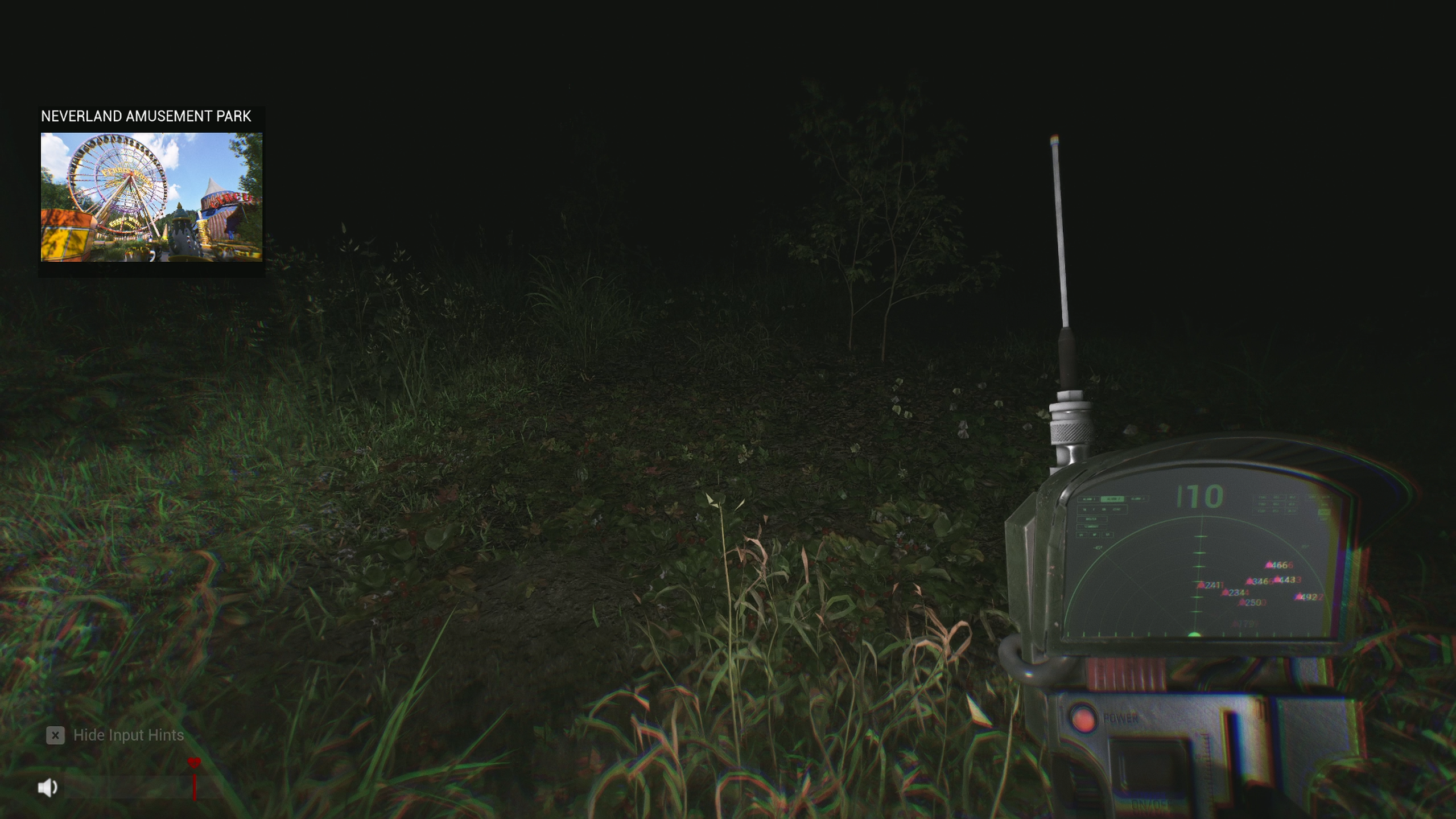
- Take out the Artifact Finder and turn toward the place you want to investigate.
- Look for the location card. For example, the official screenshot shows Neverland Amusement Park with a Ferris wheel picture in the upper-left while the finder stays on screen. Location-card screenshot
- Call out the name once so the team heads the same way. Use the finder’s coordinates to close in. If a different location appears while turning, check the landmark before following a reading away from your group.
When the team reaches the site, look for the object and its interaction prompt. Use the Anomaly Detector if you are also hunting anomalies there. V1.0.17 patch notes
Cleared zones highlight what is left
V1.0.18 added a colour highlight for Artifacts. Once every Anomaly in a location has been cleared, any Artifacts still lying there are highlighted, so you can sweep the site instead of re-checking every shelf. Work the Anomaly Counter down to zero first, then walk the location before moving on.
Pick up, check and drop
- Get close enough for Interact, then press E. Move closer if a small item such as a key does not show a prompt.
- Press TAB to open Artifact Inventory and confirm the item was picked up.
- Press G to drop the held item. If a spent key still shows in inventory, check whether its lock is open before backtracking. The studio says spare keys are placed to keep runs from getting stuck.
Take the extraction bag
Place every required artifact in the extraction bag before trying to pick it up. If the bag cannot be taken, check your team’s inventories and finish placing the missing artifacts. Once the bag can be picked up, deliver it to the helicopter. This requirement was added in V1.0.7. Patch history
For the 13-artifact collection goal, see Sector 13 Archivist.
All guides8
How to play Sector 13: Haunted Woods
Sector 13: Haunted Woods voice chat not working? Mic setup & fixes
Sector 13: Haunted Woods anomalies: how the detector works
Sector 13: Haunted Woods controls & best settings
Sector 13: Haunted Woods patch notes & updates
Sector 13 co-op not working? How to fix "can't join friend's room"
Sector 13: Haunted Woods achievements & completion guide